
AI Tutorial for Beginners — Start your Artificial Intelligence journey with this complete Orientation & Learning Strategy. Learn when, where, how, and why to use AI and follow a step-by-step roadmap to build your own AI projects.
Introduction: AI Tutorial for Beginners
This AI Tutorial for Beginners is the perfect starting point if you’ve always wanted to create your own AI. Artificial Intelligence might seem overwhelming, but with the right orientation and a clear learning strategy, anyone can master it.
This first module focuses on understanding the foundations: what AI is, when to use it, where it’s applied, how it works, and why it matters. By the end, you’ll know how to plan your AI learning journey and avoid common mistakes beginners make.
What is AI? (Explained Simply for Beginners)
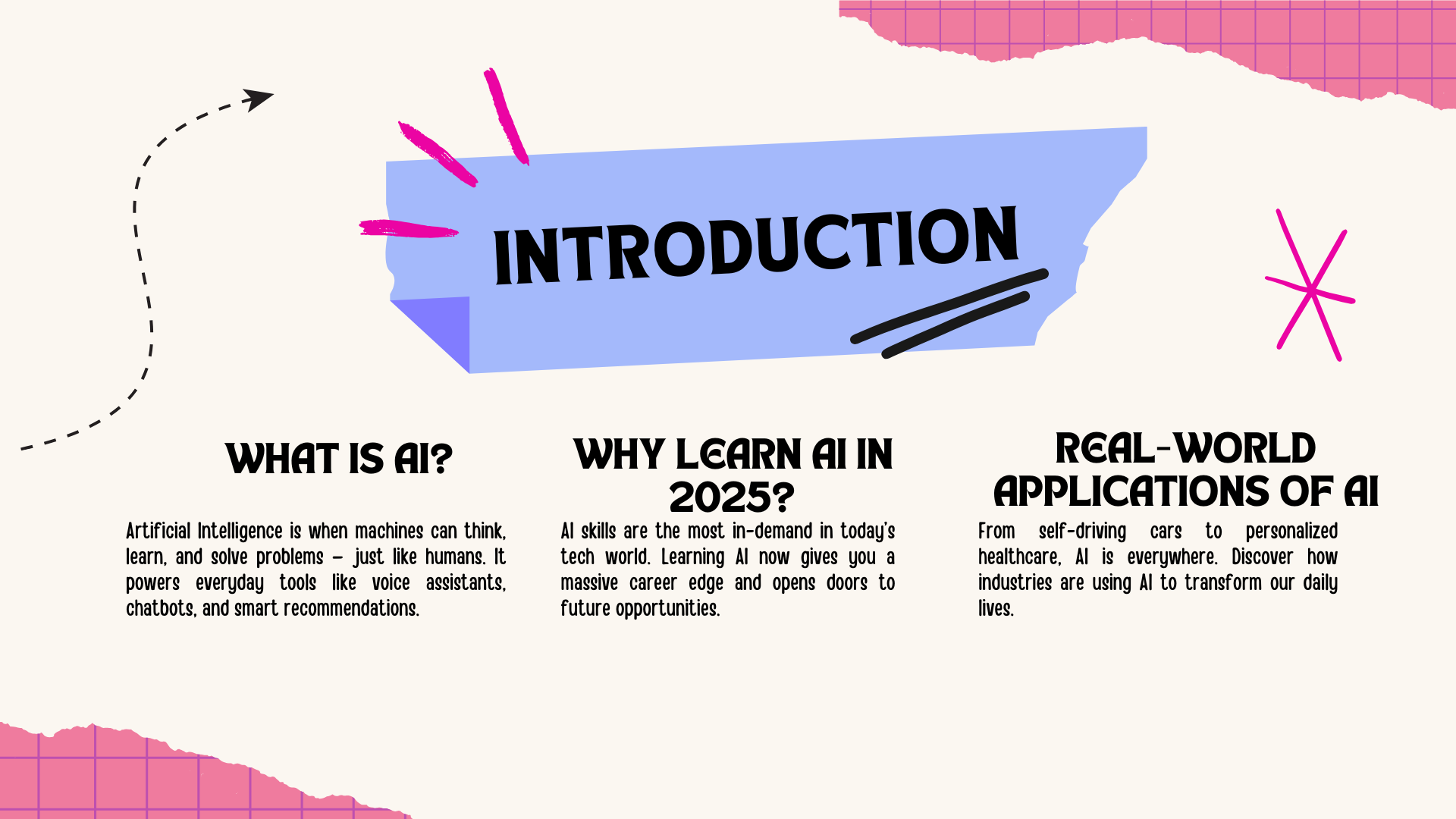
Artificial Intelligence (AI) is the ability of machines to perform tasks that normally require human intelligence. Instead of writing exact instructions for every task, AI systems learn patterns from data and make decisions on their own.
This AI tutorial for beginners will help you understand the five major branches of AI:
- Machine Learning (ML): Teaches computers to learn from data.
- Deep Learning (DL): Builds neural networks for advanced tasks like voice and image recognition.
- Natural Language Processing (NLP): Enables machines to understand human language.
- Computer Vision (CV): Helps AI “see” and interpret images and videos.
- Reinforcement Learning (RL): Trains systems to learn through trial and error, like teaching a robot to walk.
When to Use AI?
Knowing when to use AI is important. AI is not always the solution — sometimes traditional programming works better. But AI shines in situations where:
- The problem involves large amounts of data that humans can’t analyze quickly.
- You need to predict outcomes (e.g., stock prices, weather, customer churn).
- The system needs to adapt and improve over time (like recommendation engines).
- The task requires automation of repetitive work (e.g., email sorting, chatbots).
- You want to personalize experiences (like Netflix suggestions).
Note: A golden rule: Use AI when rules are unclear but patterns exist in data.
Where to Use AI?
AI is being used across almost every industry. In this AI tutorial for beginners, here are some places you’ll encounter AI in real life:
- Healthcare: Medical imaging, diagnosis support, and drug discovery.
- Finance: Fraud detection, automated trading, and loan approvals.
- Retail: Personalized shopping experiences, dynamic pricing, and chatbots.
- Transportation: Autonomous cars, route optimization, and traffic prediction.
- Education: Smart tutoring systems and personalized learning.
- Entertainment: AI-powered music, movies, and gaming experiences.
Note: In short, wherever there is data, there is AI potential.
How to Use AI?
This AI tutorial for beginners will guide you step by step on how to use AI practically:
- Collect Data: AI systems learn from examples, so you need datasets.
- Preprocess Data: Clean, organize, and prepare data for analysis.
- Choose the Right Algorithm: For example, use regression for predictions, clustering for grouping data, and deep learning for image recognition.
- Train the Model: Feed the algorithm with data until it learns patterns.
- Test the Model: Check how well the AI performs on new data.
- Deploy the Model: Integrate it into real-world applications (apps, websites, business workflows).
- Monitor & Improve: AI gets better the more you fine-tune it.
Note: In future modules, we’ll code each of these steps with Python and real datasets.
Why Use AI?
The reason AI is everywhere is simple: it saves time, money, and effort while boosting accuracy and insights.
Here are some reasons why you should follow this AI tutorial for beginners and learn AI now:
- Efficiency: AI automates tasks that take humans hours.
- Accuracy: AI can analyze data faster and reduce errors.
- Scalability: AI handles millions of data points that humans can’t.
- Innovation: AI helps businesses create new products (like self-driving cars and virtual assistants).
- Competitive Edge: Professionals with AI skills stand out in the job market.
Why Learn AI?
If you’re reading this AI tutorial for beginners, you’ve already taken the right step. 2025 is the best time to learn AI because:
- Demand for AI engineers is at an all-time high.
- Salaries in AI careers are among the highest in tech.
- AI tools like TensorFlow, PyTorch, and Colab make learning easier than ever.
- Businesses across all industries are adopting AI solutions.
Real-World Applications of AI
Here are just a few areas where AI is actively transforming the world:
- Healthcare: Detecting diseases earlier than human doctors.
- Banking: Preventing credit card fraud in real-time.
- E-commerce: Recommending the right products to the right users.
- Transportation: Reducing accidents through autonomous vehicles.
- Education: Personalized learning assistants for students.
By the end of this AI tutorial for beginners, you’ll be able to work on small projects in these domains.
How to Approach Learning AI (Strategy)
This AI tutorial for beginners recommends a structured approach:
- Start with Python programming.
- Learn basic math (only what you need).
- Work on small machine learning models.
- Progress into deep learning and neural networks.
- Explore specialized fields like NLP and computer vision.
- Work on real-world projects.
Remember: Consistency is more important than speed.
The AI Learning Roadmap
The complete AI roadmap for beginners in this tutorial series:
- Python for AI
- Math for AI
- Data Science basics
- Machine Learning algorithms
- Deep Learning with TensorFlow & PyTorch
- Computer Vision
- Natural Language Processing (NLP)
- Reinforcement Learning
- Generative AI (text, images, music)
- MLOps & Deployment
- AI Ethics & Responsible AI
- Capstone Projects (your chatbot, recommender system, or AI assistant)
Beginner-Friendly Tools
As a beginner, you don’t need expensive tools. This AI tutorial for beginners will rely on free and open-source platforms:
- Google Colab — Free online coding platform.
- Kaggle — For datasets and competitions.
- Scikit-learn — ML basics.
- TensorFlow & PyTorch — Deep learning frameworks.
- GitHub — Share projects and build a portfolio.
Common Mistakes Beginners Should Avoid
- Skipping coding basics.
- Getting stuck in math before writing code.
- Expecting to build ChatGPT in the first week.
- Correct way: Learn → Code → Build Projects → Share.
Conclusion: AI Tutorial for Beginners — Your First Step
This AI tutorial for beginners gave you the orientation you need: what AI is, when to use it, where it’s applied, how it works, and why it matters. You now have a clear roadmap to follow.
In the next module, we’ll begin with Python for AI, where you’ll write your very first AI-ready code. Step by step, you’ll transform from a beginner to an AI creator capable of solving real-world problems.
Key takeaway: With the right strategy, any beginner can learn AI and build their own projects.